
02 —ReadThe Docs.
SSH Into Your HIP Hiplet From macOS and Linux: First Login to Key-Based Auth
First password login to a HIP hiplet from macOS and Linux, moving to ed25519 keys, a ~/.ssh/config alias, and what to do if SSH stops responding.
How To
Point a Domain to Your HIP Server: DNS Records and HTTPS via a Reverse Proxy
Which DNS record to add (A or AAAA), how long propagation takes, why ports 80 and 443 must be open, and why Caddy is simpler for HTTPS.
How To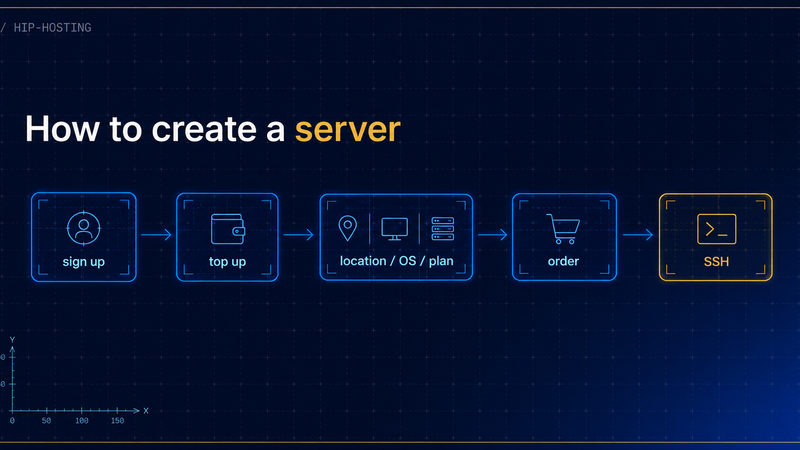
How to create a server in the HIP panel
From an empty account to a working server you can SSH into - five steps with screenshots, plus the first ten minutes of setup afterwards.
How To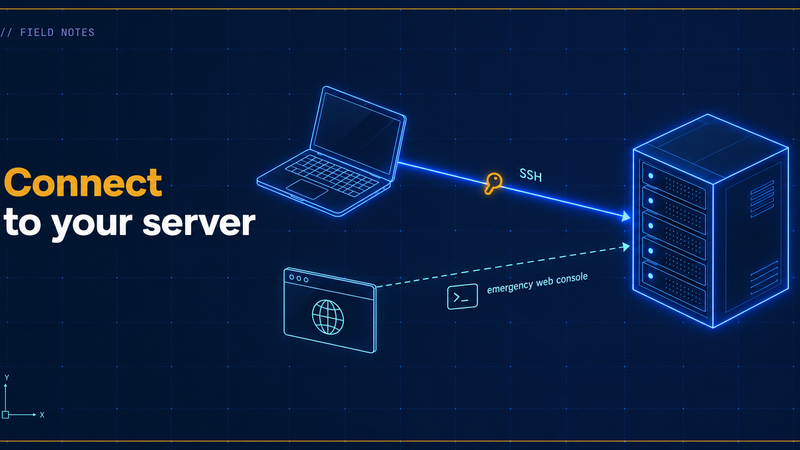
Connect to your HIP server: SSH from Windows and the emergency web console
Where to find your login details in the panel, two ways to connect over SSH from Windows, and how to reach the server through the web console when SSH does not answer.
How To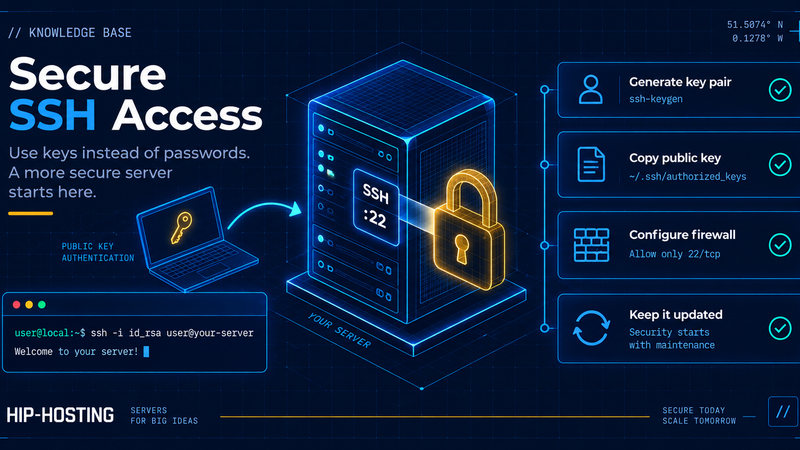
Secure a fresh VPS: initial server setup on Ubuntu in 10 minutes
A fresh server gets brute-forced fast. Close the basic holes in ten minutes: sudo user, key login, sshd, ufw and auto-updates.
How To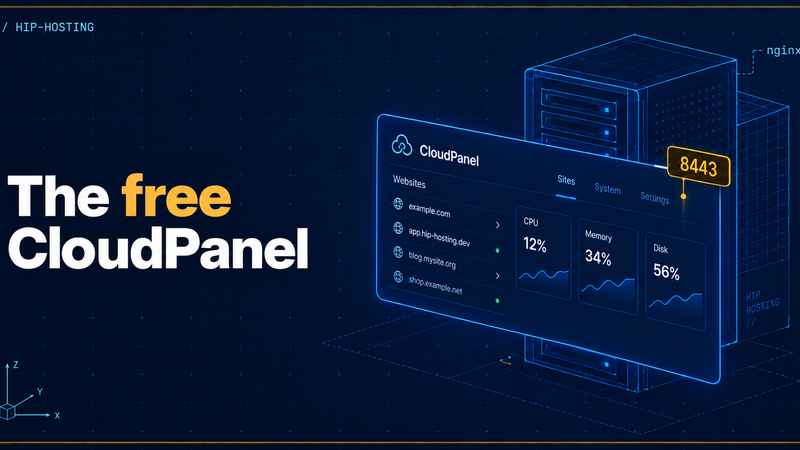
How to install the free CloudPanel control panel on a VPS
A free nginx-based panel: requirements, one-command install, the admin on port 8443, your first site, free SSL, and how it differs from cPanel.
How To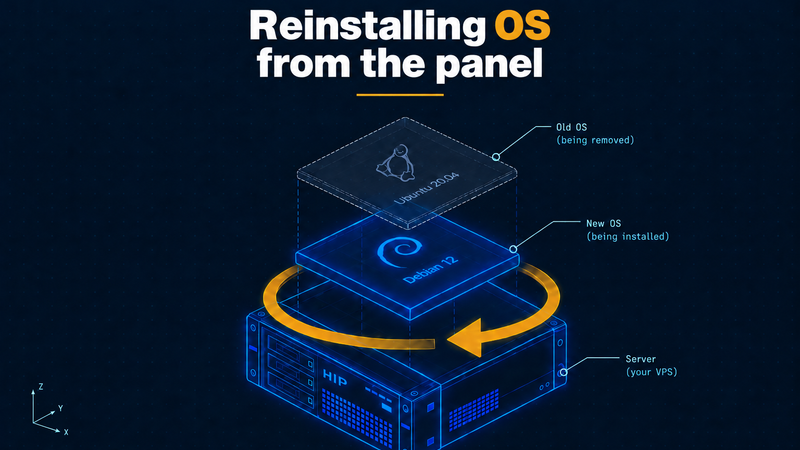
How to reinstall the operating system on a HIP server from the panel
What a reinstall wipes and what it keeps, preparation, picking an OS and version, an SSH key, confirming, the first connection after a reinstall.
How To
How to back up your HIP server yourself
HIP has no snapshot button, so build your own file and database backups that live elsewhere and survive losing the server.
How To
Upgrading your HIP server plan: more CPU, RAM, or disk
Upgrading the plan keeps your disk and data: the Scale tab, Standard vs Memory, why the disk cannot shrink, and how to confirm the new resources.
How ToPassive Income for Webmasters and IT Professionals: How to Earn with the HIP-Hosting Affiliate Program
Earn passive income with the HIP-Hosting affiliate program: 20% lifetime commission, KVM from $2.40/mo, auto-transfer to your balance.
Affiliate program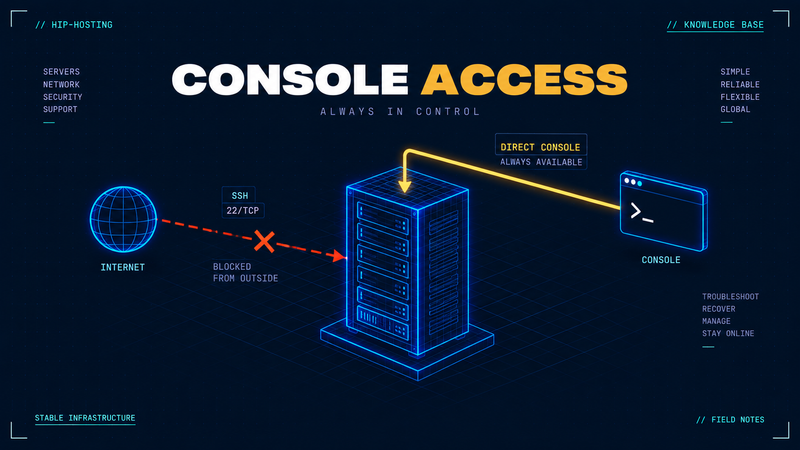
The HIP web console: getting into your server when SSH won't connect
When a firewall, sshd or a lost key locks you out, the HIP web console gets you in via the hypervisor. When to use it, and how to fix SSH.
How To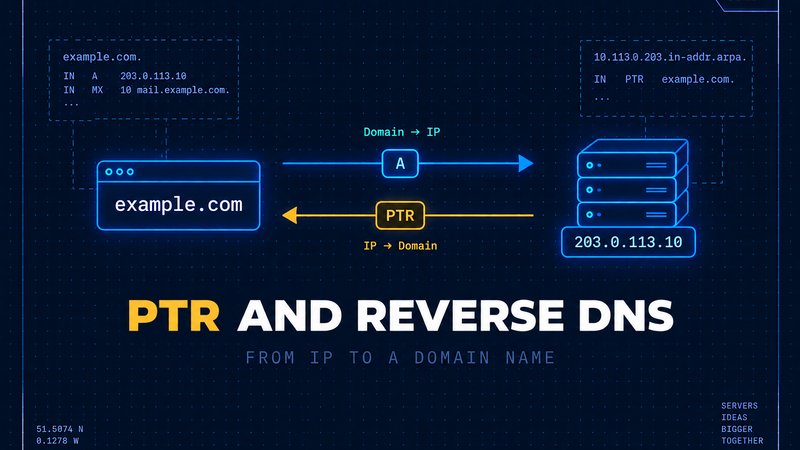
Reverse DNS (PTR) and ordering an extra IPv4 address on HIP
How the reverse zone works, who controls it, how to check your PTR with dig, and how to order an extra IPv4 on HIP.
How To