
03 —FieldNotes.
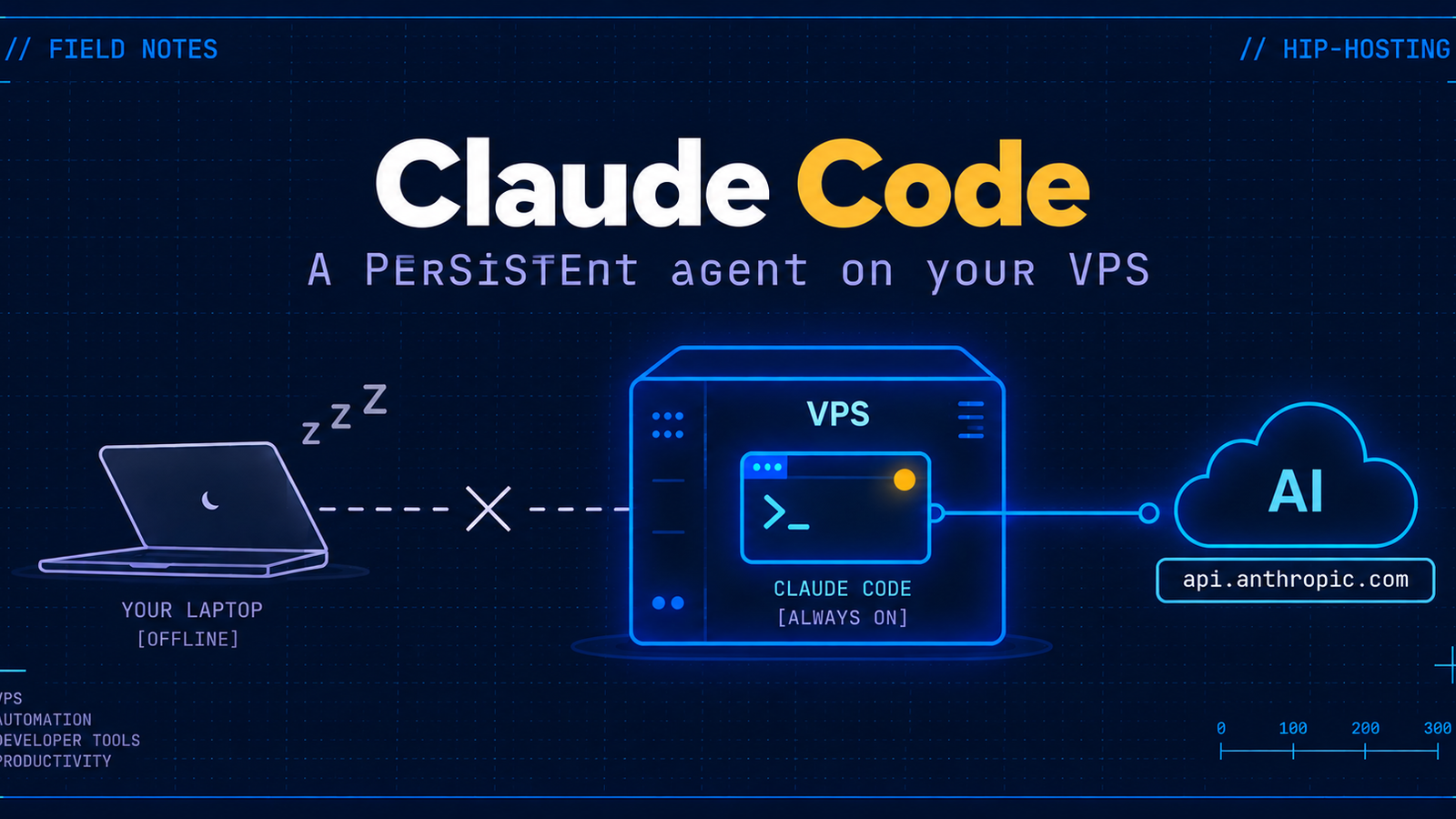
Claude Code on a VPS: An Agent That Outlives Your Laptop Lid
Your laptop sleeps, gets shut, or drops Wi-Fi in a coffee shop, and any Claude Code task longer than a couple of minutes dies with it. Moving the agent to a VPS you control fixes that for a specific reason, not a vague one: install with no Node.js dependency, log in from a box that has no browser on it, keep the session alive in tmux instead of hoping the connection holds, and a plain look at what it actually means to hand shell access to an agent on a server that isn't your laptop.
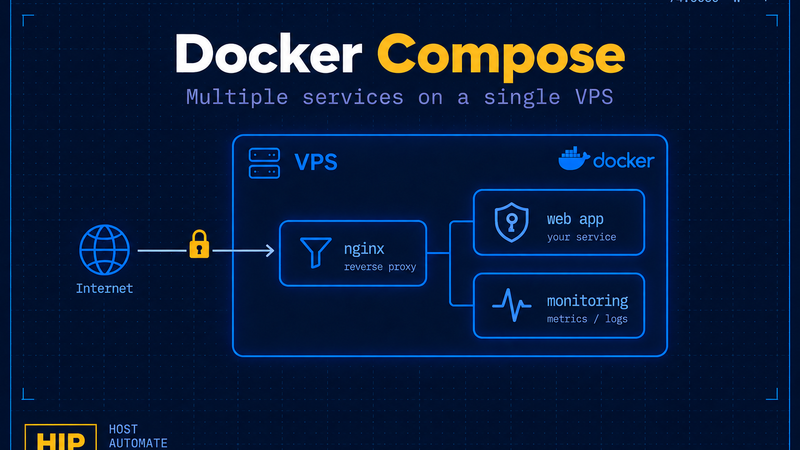
Running Several Services on One VPS: Docker Compose Instead of a Pile of docker run Commands
Three docker run commands with slightly different flags is three places where your setup can quietly drift the next time you reboot. One docker-compose.yml with a reverse proxy in front of a couple of services fixes that for good: services find each other by name, only one port faces the internet, every container has its own memory and CPU ceiling, and updating is a pull and an up -d, not a ritual. We build a stack out of Caddy, Vaultwarden, and Uptime Kuma, and we're honest about where this approach runs out of road.
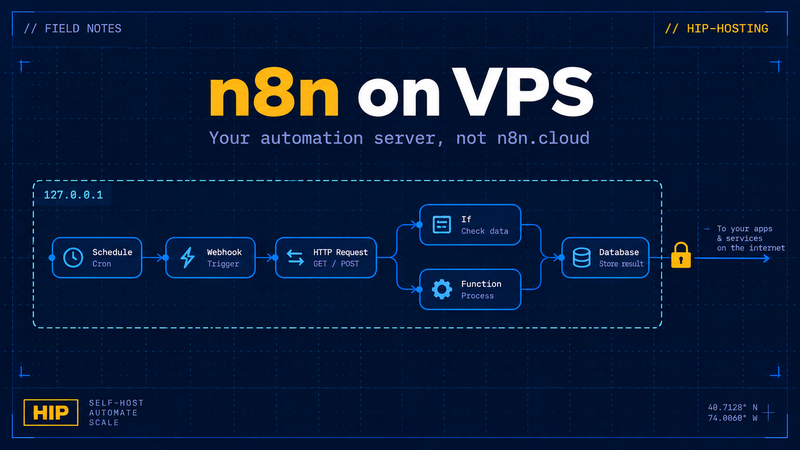
n8n on a VPS: run your own automation server instead of n8n.cloud
n8n.cloud caps active workflows and monthly executions, and it cannot reach anything sitting in your private network. Running n8n on a VPS removes both limits for the price of a small server. This covers the compose file, the data volume, three environment variables that quietly break webhooks when misconfigured, logging in through the built-in owner account instead of basic auth, an nginx and ufw perimeter, and what actually needs backing up so a lost server doesn't mean lost workflows.

AnythingLLM on a VPS: a web UI and document RAG on top of Ollama
Ollama gives you an inference API and nothing else: no chat history, no document upload, no login. AnythingLLM fills exactly that gap with workspaces, an embedded vector database and a browser UI that treats your Ollama as the engine. This walks through the compose file, how a container actually reaches Ollama on the host, where the data lives, why auth has to be on before you hand anyone a URL, and why
pm2 max_memory_restart Doesn't Work the Way You Think: What Actually Limits Memory
A live test on PM2 7.0.4: a 100MB spike that lasts 2 seconds and drops back down goes completely unnoticed, while a sustained climb over the same threshold kills the process on the next check - confirmed straight from the daemon's own log line. We read PM2's source (Worker.js, God/Reload.js), unpack why RSS and
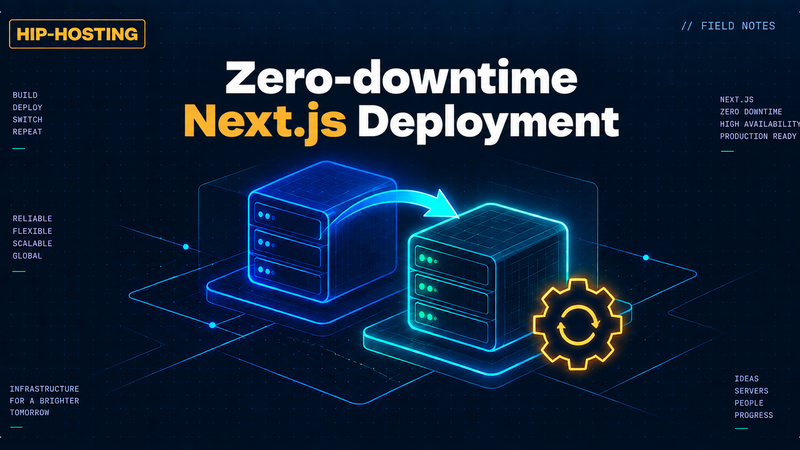
Zero-downtime Next.js deploys with PM2 in fork mode and nginx
pm2 reload doesn't give real zero downtime in fork mode - a measured gap of about a second, 11 of 57 requests refused. What actually works: two Next.js instances on two ports, an nginx upstream swap, and a curl loop proving it during the switch.
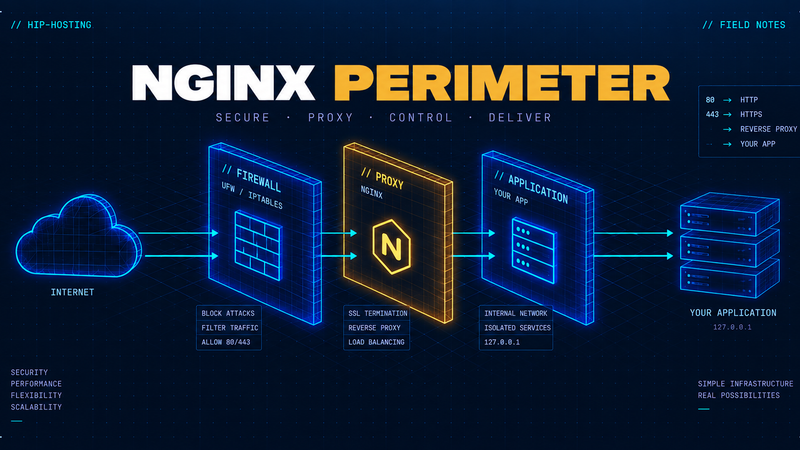
nginx and ufw in front of your app: getting the perimeter right
nginx takes over TLS, host-based routing, and config validation before every reload. ufw stays closed except for SSH and 80/443, and only if you're exposing the app directly instead of routing it through Cloudflare Tunnel. Here's the proxy config, the headers, and the one leftover rule that undoes all of it.

How to deploy a Next.js site on a cheap VPS: nginx, Cloudflare Tunnel and PM2
A real-deploy write-up: why PM2 must run next start directly instead of npm start, why building even an empty app needs ~1.2 GB of RAM, what belongs in the nginx config, and how to route traffic through a Cloudflare Tunnel via config.yml without opening a single inbound port. Plus an atomic release with rollback.
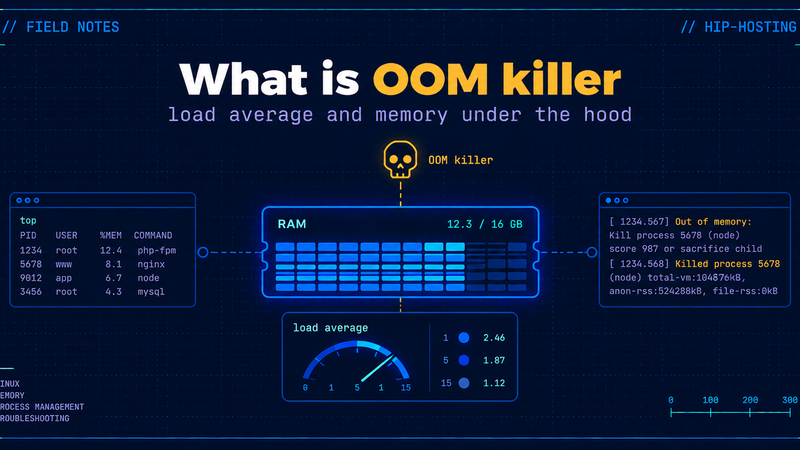
The OOM Killer vs Load Average: Telling Memory Pressure from a CPU Shortage on a VPS
A load average of 15 on a server whose CPU is basically idle isn't a broken sensor, it's a number most people misread. This one walks through what load average is actually counting, when the kernel's OOM killer steps in and how it scores a victim, why a container can get killed by its own memory limit while the host still has gigabytes free, and which of the three usual fixes - swap, container limits, upgrading RAM - solves the problem versus which one just postpones it.